Tutorial 2 of 12
Create your family workspace
Sign up, check out, set your password, and sign in to your family’s Grace address.
Setting up takes about five minutes. You will need an email address you can open right away.
1. Fill in the subscribe form
Open the Subscribe page and enter:
- Family name, such as The Rivera Family.
- Workspace address. We suggest one from your family name. It becomes
yourfamily.gracefor.you. Grace checks as you type whether it is available. - Your name and email. You become the family’s first parent. A family can have up to two parent accounts.
2. Check out securely
Select the button to continue to Stripe, which handles payment. Your first invoice is one parent seat. Nothing is created in Grace until payment succeeds, so an abandoned checkout never uses up your address.
3. Set your password
After payment, Grace emails you a secure link. Open it and choose a password. The link expires for safety; if it does, use the sign-in page’s forgot-password option.
4. Sign in and bookmark your address
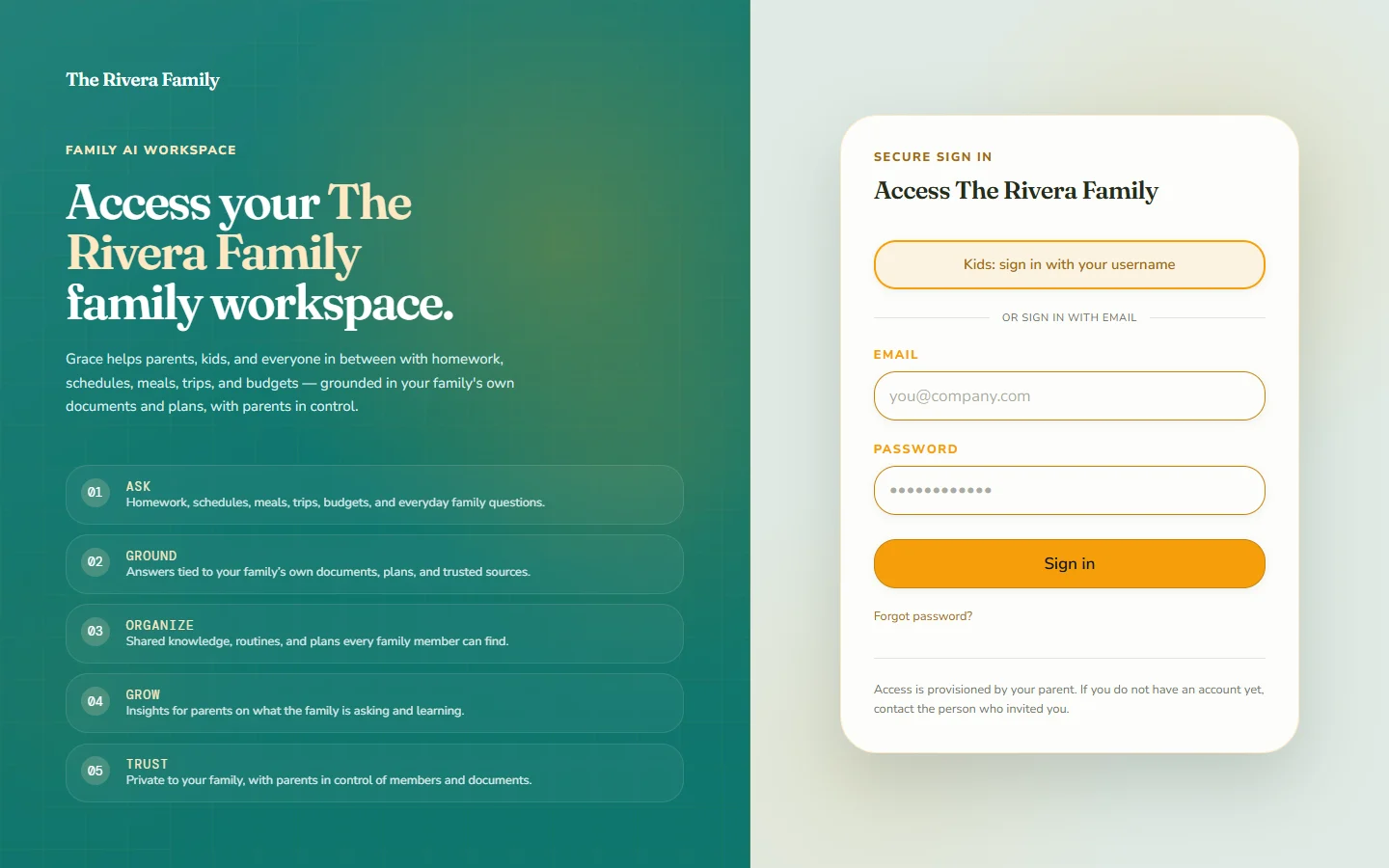
Sign in at your family’s address and bookmark it. You can also use Find my family’s workspace on the Grace site any time you forget it.
What next
You are now the family’s parent, and the Parent tools section is yours. Next, add a child account or invite another adult.